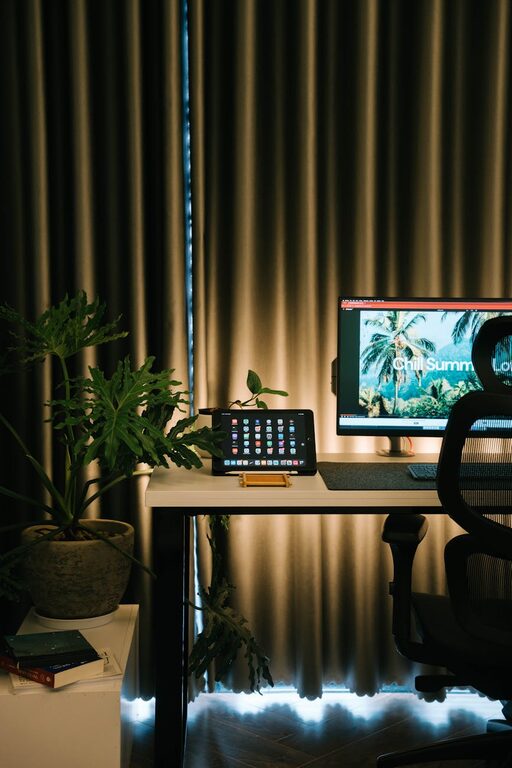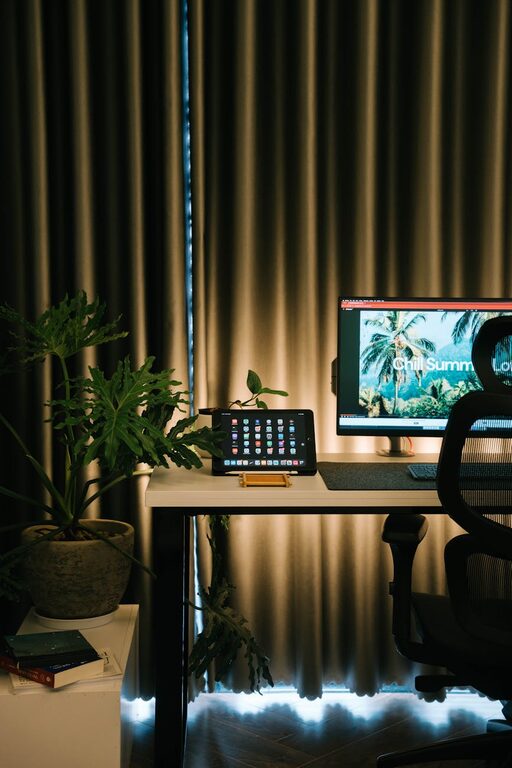
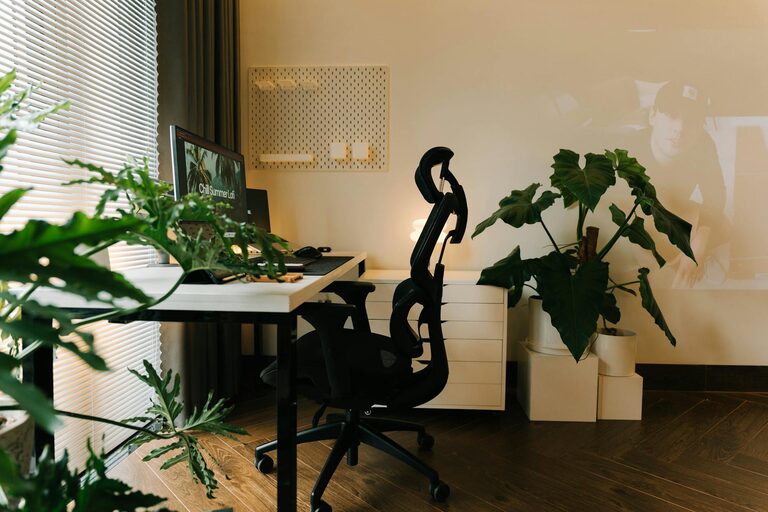
Creating a home office space that balances comfort and productivity is key to maintaining focus and staying motivated throughout your workday. Whether you work from home full-time or need a dedicated workspace for occasional tasks, setting up the right environment can significantly impact your efficiency and well-being. In this post, we’ll explore practical tips to help you design a home office that works for you.
Choose the Right Location
The first step in creating a productive home office is selecting the best spot in your home.
– Find a Quiet Area: Choose a place where you can work with minimal interruptions and background noise.
– Consider Natural Light: Position your desk near a window if possible. Natural light can boost your mood and reduce eye strain.
– Space Requirements: Make sure there’s enough room for your desk, chair, and essential equipment without feeling cramped.
Invest in Comfortable and Supportive Furniture
Ergonomics play a crucial role in maintaining comfort during long work hours.
– Ergonomic Chair: Select a chair that supports your lower back, promotes good posture, and can be adjusted to your height.
– Desk Height: Your desk should allow your elbows to rest comfortably at a 90-degree angle when typing.
– Standing Desk Option: Consider a sit-stand desk to alternate positions and reduce sedentary time.
Organize Your Workspace Efficiently
A clutter-free and organized workspace helps you focus on tasks without unnecessary distractions.
– Use Storage Solutions: Shelves, drawers, and filing cabinets keep documents and supplies neatly stored.
– Desk Organizers: Use pen holders, trays, and cable organizers to keep your desk tidy.
– Digital Organization: Keep your computer desktop and digital files sorted for easy access.
Optimize Lighting to Reduce Eye Strain
Proper lighting can make a big difference in comfort and productivity.
– Combine Natural and Artificial Light: Supplement sunlight with adjustable desk lamps to reduce shadows and glare.
– Avoid Screen Glare: Position your computer screen perpendicular to windows to minimize glare.
– Use Warm or Neutral Light Bulbs: Harsh lighting can cause fatigue, so opt for bulbs that create a comfortable atmosphere.
Personalize Your Space for Motivation
Adding personal touches can make your home office a pleasant place to spend hours.
– Decorate with Plants: Indoor plants not only improve air quality but also add a calming element.
– Add Artwork or Photos: Choose images that inspire you or make you happy.
– Incorporate a Comfortable Rug or Cushions: These can add warmth and comfort underfoot.
Set Boundaries and Establish a Routine
Maintaining clear boundaries helps separate work from personal life when working at home.
– Define Office Hours: Set consistent start and finish times.
– Use Visual Cues: A closed door or a particular object can signal to others that you’re working.
– Take Regular Breaks: Step away from your desk every hour to stretch or take a quick walk.
Ensure Reliable Technology and Connectivity
Having dependable equipment prevents frustration and downtime.
– High-Speed Internet: A strong connection is essential for video calls and cloud-based work.
– Quality Hardware: Invest in a good computer, headset, and webcam if your job requires it.
– Backup Solutions: Use cloud storage or external drives to protect your data.
Keep Air Quality and Temperature Comfortable
Physical comfort extends beyond furniture and lighting.
– Ventilation: Open windows or use an air purifier to ensure fresh air circulation.
– Temperature Control: Use fans, heaters, or air conditioning to maintain a comfortable temperature.
– Humidity Level: Consider a humidifier if the air tends to be very dry.
—
Creating a comfortable and productive home office doesn’t have to be complicated or expensive. Small improvements in furniture, lighting, organization, and environment can dramatically enhance how you work and feel throughout the day. Take the time to tailor your workspace to your needs, and you’ll likely notice better focus, creativity, and overall job satisfaction. Happy decorating!
About the Author